
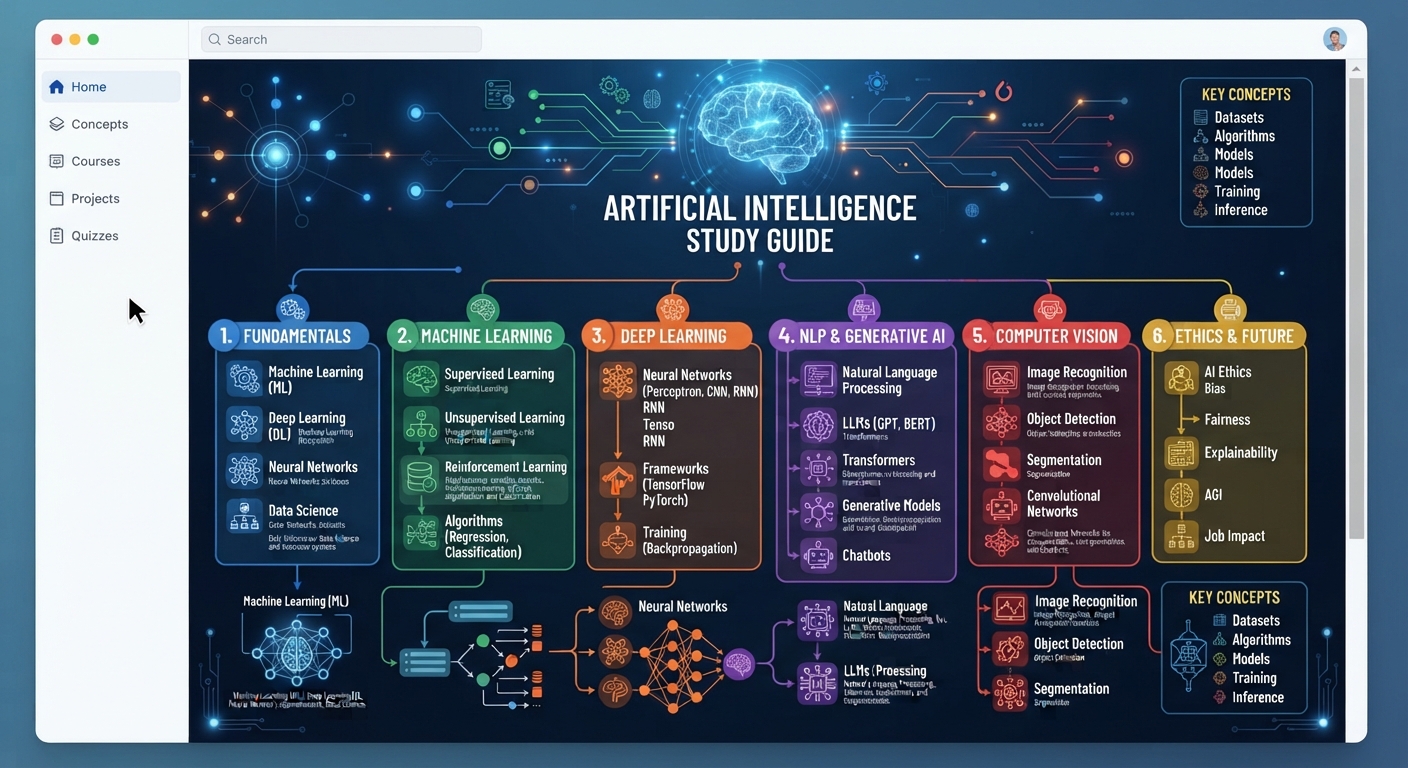
Artificial Intelligence Study Guide: Concepts, Quiz, Tasks
The short version
- This artificial intelligence study guide covers the 10 concepts a non-technical person needs to use AI tools well at work.
- Read the concepts once, then take the 10-question self-quiz. The answers sit at the bottom so you can mark yourself fairly.
- Finish with the 5 practice tasks. Each takes 10 to 20 minutes in a free chatbot and teaches more than any amount of reading.
- You don’t need math or code for any of it. You need a browser and about two hours spread over a week.
This artificial intelligence study guide is for adults who want to understand AI well enough to use it, judge it, and explain it to a colleague. It skips the history and the math. It gives you the ideas that change how you work with tools like ChatGPT, Claude, and Gemini, then tests you on them.
Work through it in order. The quiz only makes sense after the concepts, and the tasks only stick after the quiz.
Part 1: The Key Concepts
1. Artificial intelligence
Software that does tasks we used to think needed a human mind, such as writing, sorting, recognizing images, or answering questions. It’s a broad label. Most of what people mean by AI today is the next item.
2. Large language model (LLM)
The engine behind chatbots. It learned patterns from a huge amount of text, and it writes by predicting what words should come next. It doesn’t look facts up by default. It produces text that fits the pattern.
3. Prompt
What you type to the AI. Better prompts give context, a clear task, and the format you want. Our guide to writing AI prompts goes deeper on this one skill, which matters more than any other.
4. Hallucination
When the AI states something false with full confidence, like a made-up quote or a fake book title. It happens because the model predicts plausible text. Plausible and true aren’t the same.
5. Context window
How much text the AI can hold in view at once, including your prompt, any files, and the chat so far. In a very long chat, early details can drop out or get less attention.
6. Training data and knowledge cutoff
The model learned from data up to a certain date. Without a search feature, it may not know recent events and may not tell you so.
7. Generative AI
AI that creates new content: text, images, audio, or video. A chatbot writing an email and an image tool drawing a logo are both generative.
8. Grounding
Giving the AI the source material to work from, such as a pasted report or an uploaded PDF, so it answers from that instead of from memory. Grounding cuts hallucinations a lot.
9. AI agent
An AI that takes steps toward a goal, such as searching, clicking, filling forms, or running tools, instead of just replying. More useful, and it needs more supervision.
10. Human in the loop
A person reviews the AI’s work before it counts. For anything that goes to a customer, a boss, or a court, this is the rule.
Part 2: Self-Quiz
Write your answers on paper before you scroll to the answer key. Aim for one or two sentences each.
- In plain words, how does a large language model produce an answer?
- Why does a hallucination happen?
- Name two things that make a prompt better.
- You paste a 40-page contract into a chat and ask about page 3 at the end of a long conversation. What might go wrong, and why?
- What’s the difference between asking “What were our Q2 sales?” with and without pasting the sales report?
- Is an image tool that makes a poster from your description an example of generative AI?
- What makes an AI agent different from a regular chatbot?
- The AI tells you about a law passed last month. What concept should make you cautious?
- Give one task where a human in the loop is required.
- True or false: if the AI sounds confident, it’s probably right.
Answer Key For This Artificial Intelligence Study Guide
- It predicts the most fitting next words, one piece at a time, based on patterns it learned from text.
- The model aims for text that sounds right. When it lacks the facts, it still produces fitting words, and those can be false.
- Any two of: context about who you are and why, a clear task, the format you want, an example, limits like length or tone.
- The contract plus the long chat may strain the context window, so the AI may miss or blur details. Start a fresh chat with just the contract and the question.
- Without the report, it can only guess or refuse. With it, the answer is grounded in your real numbers.
- Yes. It creates a new image.
- An agent takes actions toward a goal, such as searching or using tools, across several steps. A chatbot replies to each message.
- Knowledge cutoff. Unless it searched the web and showed sources, it may be guessing.
- Anything sent to a client, published, or used for a legal, medical, or money decision. There are many right answers.
- False. Confidence tells you nothing about accuracy.
Score yourself. 8 or more means you’re ready for the tasks. Under 8, reread the concepts you missed and try those questions again tomorrow.
Part 3: Practice Tasks
Do these in any free chatbot. Pick one from our guide to choosing an AI tool if you don’t have a favorite yet.
Task 1: See a prompt improve (10 minutes)
Type “Write an email about the meeting.” Read the result. Then type:
“I manage a 6-person office team. Write a 100-word email telling them Thursday’s 2pm meeting moves to Friday at 10am because the room is booked. Friendly, no apology paragraph.”
Compare the two. Write one line on what changed.
Task 2: Catch a hallucination (15 minutes)
“List 5 books about managing remote teams, with author and year.”
Search for each title in a bookshop site. Note how many are real and correct. Then read how to spot AI mistakes and list the checks you’d use next time.
Task 3: Ground an answer (15 minutes)
Paste a real document you use, such as a 2-page policy. Ask three questions and add “Quote the line you used.” Check each quote against the document.
Task 4: Test the context window (10 minutes)
In a long chat, ask about a detail from the very first message. Then start a new chat and ask the same thing with the detail pasted in. Note the difference.
Task 5: Explain it back (20 minutes)
“I’m learning AI basics. Ask me 5 questions about hallucinations, grounding, and context windows, one at a time. After each answer, tell me what I got right and what I missed.”
If you can hold that conversation without looking at this page, you’ve learned the core of it.
Go From Study Guide To Daily Use
The Core Four Bundle takes these concepts further across four books: getting started, using AI in everyday tasks, researching and deciding with it, and prompting properly. Each has worked examples, a prompt pack, and a cheat sheet.





