
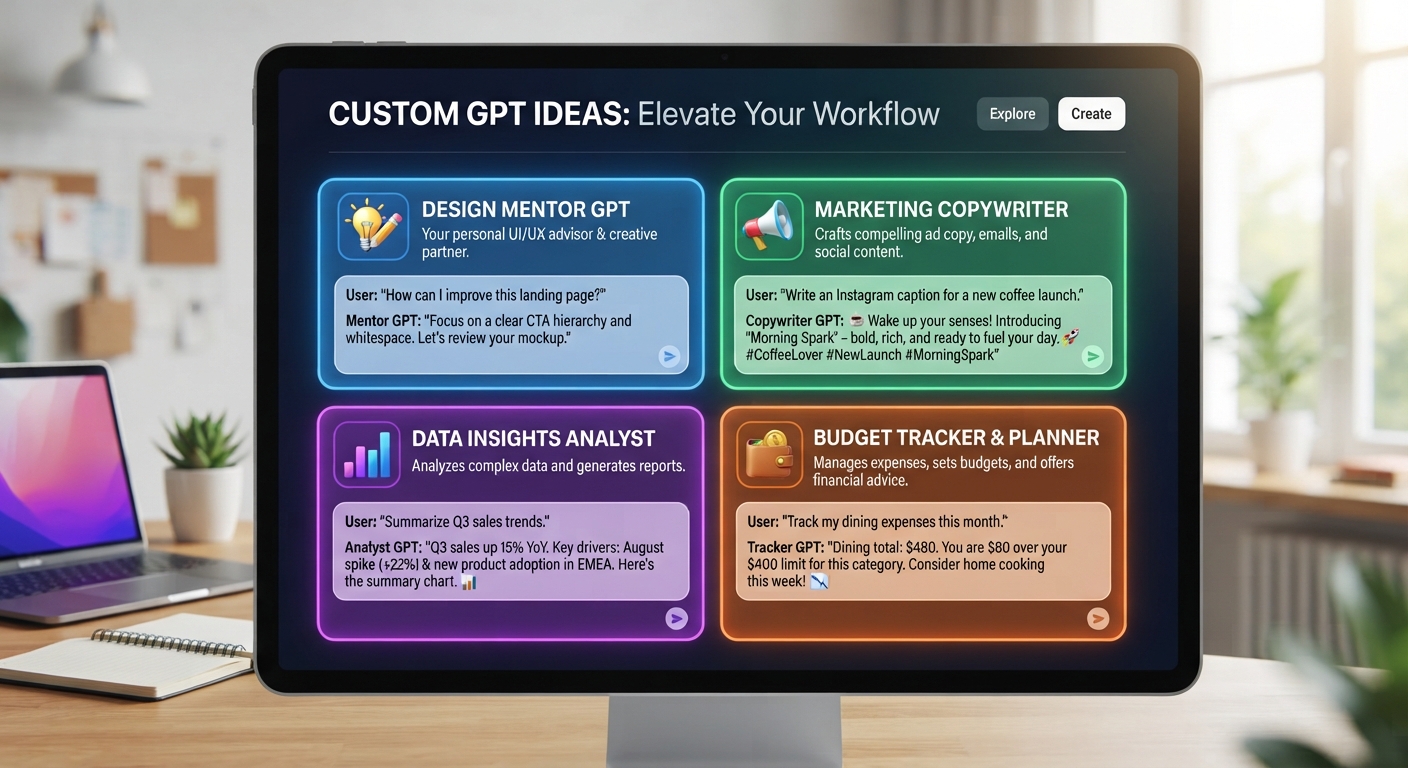
Custom GPT Ideas: 12 Assistants Worth Building
The short version
- The best custom GPT ideas come from a task you repeat every week and explain the same way every time.
- A good custom GPT has one job, a short set of rules, and one or two reference files. Broad “do everything” assistants disappoint.
- Below are 12 ideas grouped by where they save time, each with the core instruction you’d give it.
- Test each one on 5 real examples before you trust it, and fix the instructions after every miss.
The custom GPT ideas worth building are the boring ones: a task you do weekly, with rules you already know, that eats 20 minutes you’d rather spend elsewhere. A custom GPT is ChatGPT with saved instructions and files, so you stop re-explaining yourself. If a task needs the same paragraph of context every time you ask, it’s a candidate.
If you haven’t built one before, start with our walkthrough on how to build a custom GPT. This post is about what to build. Building one usually needs a paid ChatGPT plan, and you can set up the same ideas as a Claude Project or a Gemini Gem.
How To Tell If An Idea Is Worth Building
Run the idea through four checks before you open the builder:
- Frequency. You’d use it at least weekly. Monthly tasks rarely justify the setup and testing.
- Repeated context. You paste the same background, tone notes, or rules every time.
- Clear output. You can describe a good result in 3 to 5 lines, like “150 words, bullet summary first, no jargon”.
- Checkable. You can tell at a glance if the output is right. If checking takes as long as doing, skip it.
Custom GPT Ideas For Your Own Work
1. Email rewriter in your voice
Upload 10 emails you’re happy with. Instructions: “Rewrite my rough drafts in the style of the attached emails. Keep them under 120 words. Never add pleasantries I didn’t write.”
2. Meeting notes to action list
“I’ll paste raw notes. Return: decisions made, actions with owner and date, open questions. If an owner or date is missing, write ‘unassigned’ instead of guessing.” Pairs well with the steps in our AI meeting summary guide.
3. Weekly report drafter
Give it your report template and last month’s four reports. Each Friday you paste bullet notes and get a draft in the right shape.
4. Decision sparring partner
“When I describe a decision, ask me 3 questions first. Then list the strongest case for each option and what would change your mind. Don’t pick for me.”
Ideas For A Small Business
5. Quote and estimate writer
Upload your price list and standard terms as a file. A contractor pastes “bathroom, 8×10, retile floor and shower walls, customer supplies tile” and gets a draft quote with line items pulled from the list. You still check every number.
6. Customer reply helper
Upload your FAQ, refund policy, and 5 good past replies. Rule: “If the answer isn’t in the files, say ‘I need to check this’ and flag it for me.” That one rule stops most bad replies.
7. Product or listing describer
“From the details I paste, write a 90-word description, then 3 bullet features, then a 1-line headline. Use only facts I give you.”
8. Social post repurposer
Paste a blog post or newsletter, get 4 short posts in your brand tone for different platforms. Add a banned-words list to the instructions so it stops sounding like every other brand.
Ideas For Teams And Training
9. New hire question desk
Upload your handbook and SOPs. New staff ask it “How do I request time off?” and get the answer with the section name. If your SOPs are out of date, this is the moment to fix them. Our guide on writing SOPs with AI helps.
10. Style guide checker
Upload the style guide. “Review the text I paste against the guide. List each issue with the rule it breaks. Don’t rewrite the whole thing.”
11. Role-play trainer
For sales or support practice: “Act as a customer who is annoyed about a late delivery. Stay in character for 6 turns, then score my replies on empathy, clarity, and a clear next step.”
12. Personal tutor for one subject
Upload the course notes or a manual. “Quiz me one question at a time. Don’t give the answer until I try. Explain what I got wrong in plain words.”
Write Instructions That Hold Up
Most weak custom GPTs fail on instructions. Every good set has six parts: role, input, output, rules, a banned mistake, and tone. Here’s a filled example for idea 6, the customer reply helper at a small bakery:
“Role: You help the owner of a small bakery reply to customer emails. Input: I will paste one customer email. Output: a reply under 120 words, with the answer in the first sentence. Rules: Use only the attached FAQ and refund policy for facts. If something is missing, write ‘I need to check this’ and stop. Never promise a refund or a delivery date. Tone: warm, brief, plain.”
Copy that shape for any idea on this list. Swap the role, the input, and the one mistake you most want it to avoid.
Keep the rules short. Five sharp rules beat twenty vague ones. Put reference material in files, not in the instructions box.
Test before you rely on it
A custom GPT that worked on day one can drift as your prices, policies, or templates change. Treat it like a new staff member on probation.
- Run 5 real inputs, including one messy one and one where the answer isn’t in your files.
- Note every miss in a list.
- Add a rule for each repeated miss, then run the same 5 again.
- Keep a copy of the working instructions in a doc so you can roll back.
Don’t upload anything confidential that your company hasn’t approved for AI use, and check who can see the GPT if you share it.
Build Assistants That Do One Job Well
AI For Building Your Own Custom Assistants walks you through picking the right task, writing instructions that hold, adding files, and testing, with no coding. It works for custom GPTs, Claude Projects, and Gemini Gems, and includes a full worked example.





