
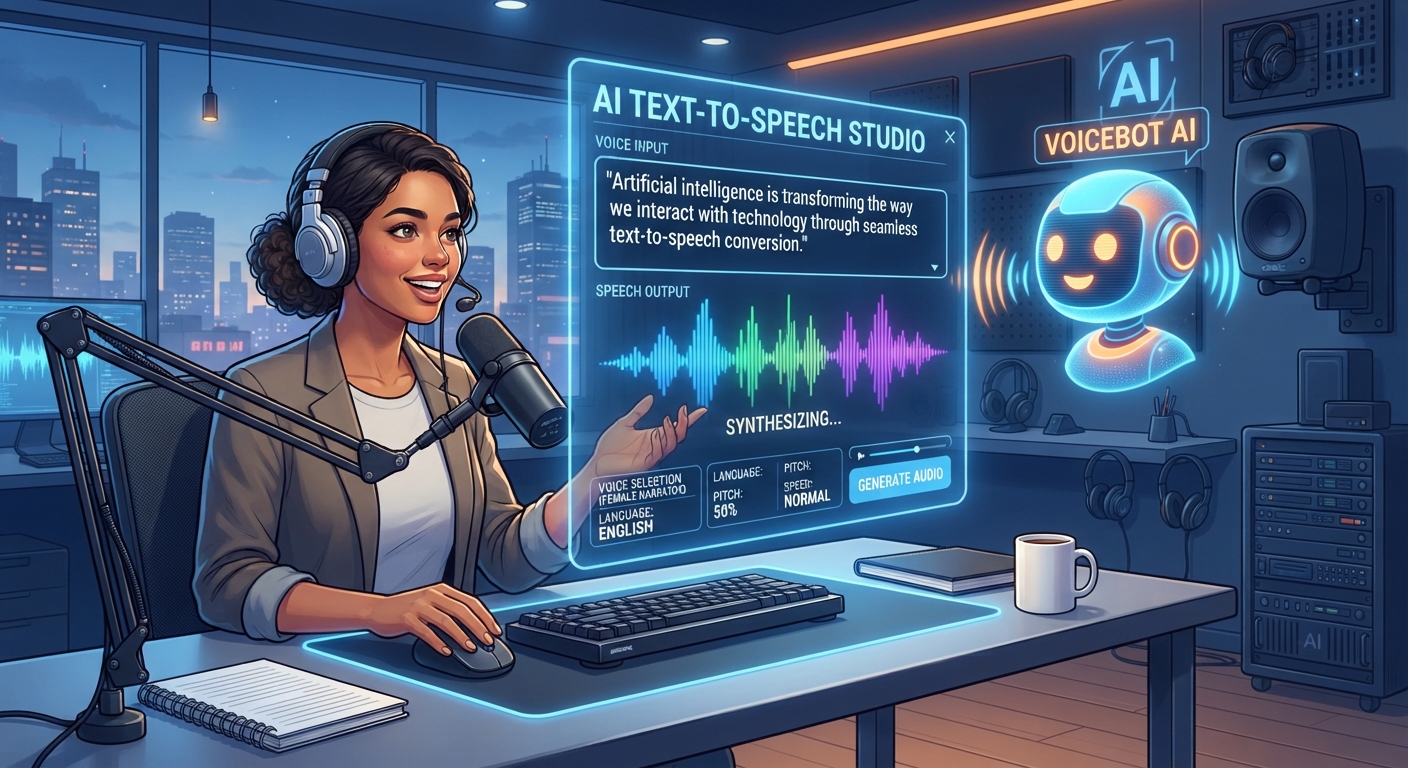
AI Text To Speech: Get Natural Voiceovers Fast
The short version
- AI text to speech now sounds close enough to a person for training videos, explainers, product demos, and listening to your own documents.
- The script matters more than the tool. Writing for the ear, with short sentences and spelled-out numbers, fixes most robotic results.
- Use built-in phone and browser read-aloud for personal listening. Use a dedicated voice tool when the audio will be published.
- Only clone a voice you own or have written permission to use, and check each tool’s rules on commercial use.
AI text to speech turns written text into spoken audio in a voice that sounds natural, with pauses, emphasis, and a choice of accents. For a small business or a busy professional, that means a voiceover for a training video without booking a studio, or a 20-page report you can listen to on a walk. The results depend heavily on how you write the script.
Where It Earns Its Keep
- Training and how-to videos. Update one sentence of a script and regenerate the audio, instead of re-recording the whole thing.
- Product demos and explainers. A clean narrator voice over screen recordings.
- Listening to your own reading. Contracts, reports, and long emails read aloud while you do something else.
- Proofreading. Hearing your writing read back catches clumsy sentences your eyes skip.
- Accessibility. Audio versions of blog posts, menus, or instructions for people who prefer to listen.
- Phone systems. On-hold messages and phone menu prompts that are easy to update.
It’s weaker for emotional material, comedy timing, and anything where a real person’s voice builds trust, such as a founder’s welcome message. Record those yourself.
Two Kinds Of AI Text To Speech Tools
Built-in readers for personal use
Your phone, your browser, and many document apps can read text aloud. Microsoft Edge has a read-aloud feature, and both iPhone and Android include spoken content options in their accessibility settings. They’re free and fine for listening to a report. They’re not built for publishing.
Dedicated voice tools for published audio
Tools such as ElevenLabs, and the voice features inside video editors like Descript and CapCut, give you a library of voices, control over speed and style, and downloadable audio files. Most have a free tier with limits and paid plans for more minutes and commercial rights. Read the license terms before you use a voice in an ad or a product.
How to pick a voice
Test every voice on the same 3 sentences from your real script, including one with a number and one with a name. Choose the voice that’s clearest, not the most dramatic. A calm, mid-paced voice wears well over a 10-minute training video. Keep the same voice across a series so your videos sound like one brand.
Write A Script That Sounds Human
Text written for reading sounds stiff when spoken. Fix these before you generate anything:
- Short sentences. Aim for one idea per sentence. Long sentences make the voice run out of natural pauses.
- Spell out tricky items. Write “twenty-four ninety-nine” or “about twenty-five dollars” instead of “$24.99”. Write “Q3” as “the third quarter”.
- Expand acronyms the first time, or spell them with spaces if they’re said letter by letter.
- Use punctuation for pacing. A comma gives a short pause. A full stop gives a longer one. A new paragraph often gives the longest.
- Respell names the tool gets wrong. “Nguyen” might become “Win” in the script, or use the tool’s pronunciation feature if it has one.
A chatbot can do this conversion for you:
“Rewrite the script below so it sounds natural when read aloud by a text-to-speech voice. Keep the meaning. Use short sentences, spell out numbers and symbols the way a person would say them, expand acronyms, and add paragraph breaks where a speaker would pause. Script: [paste your script]”
For more on working with spoken AI in general, see our guide on how to use AI with voice.
Worked Example: A 3-Minute Training Voiceover
A property management office needs a narrated video showing new staff how to log a maintenance request in their system. Here’s the process:
- Record the screen while doing the task, with no talking. About 3 minutes.
- Write the script to match each screen, roughly 150 words per minute, so about 450 words.
- Run the script through the rewrite prompt above.
- Generate a test paragraph in 3 voices. Pick the one that’s clear at 1.25x speed, since many staff will watch fast.
- Generate the full audio in sections, one per screen, so fixes are easy.
- Line the audio up with the screen recording in a video editor. Stretch pauses rather than speeding the voice.
When the system changes next year, you edit two sentences and regenerate two sections. That update cost is the real saving. If you’re making videos without appearing on camera at all, our guide to faceless video with AI covers the visual side.
Voice Cloning: Use It Carefully
Many tools can copy a voice from a short recording. That’s useful for making your own voice read scripts you don’t have time to record. It’s also easy to misuse. Stick to these rules:
- Clone only your own voice, or a voice whose owner has given written permission for that use.
- Tell your audience when a voice is AI-generated if they’d reasonably assume it’s live.
- Never use a cloned voice to approve payments, sign off on agreements, or impersonate anyone.
- Store voice samples as carefully as you’d store passwords.
Quality Checks Before You Publish
Listen to the full file on the device your audience uses. Check every number, name, and product term. Listen for odd emphasis, where the voice stresses the wrong word and changes the meaning. Regenerate just that sentence, or rephrase it. Most tools give slightly different reads each time, so a second try often fixes it.
Get Clear, Natural Audio Without A Studio
AI For Voice And Audio Tools covers text to speech, voice cloning with consent, transcription, and audio cleanup, with scripts written for the ear and a worked training-video example. It includes a prompt pack and a cheat sheet for quick checks.





