
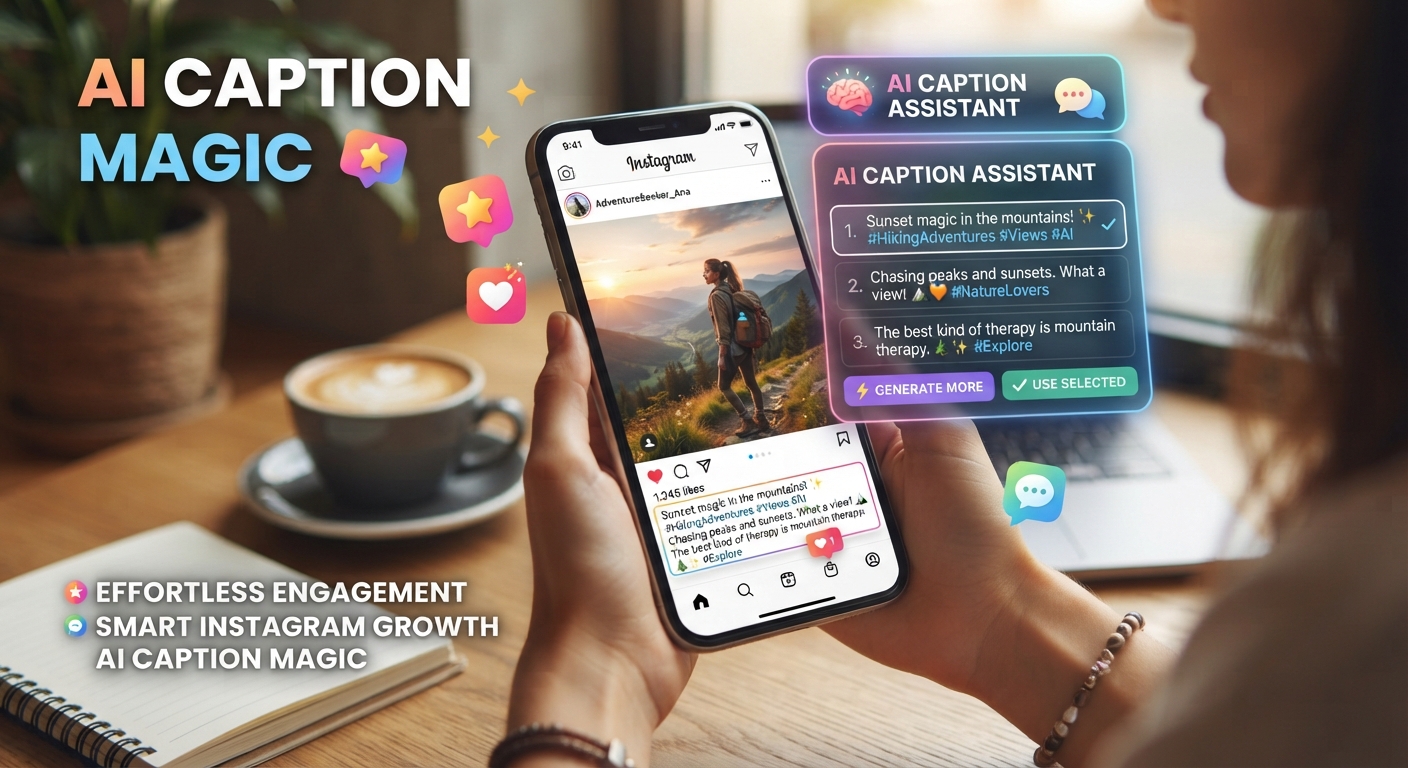
AI For Instagram Captions: Better Drafts In Five Minutes
The short version
- AI writes solid caption drafts in seconds, but only if you give it the photo details, the audience, and one goal for the post.
- Build a short brand voice note once and paste it into every caption request so the drafts stop sounding generic.
- Ask for five options in different styles, pick one, then cut it by a third. Short captions usually read better on a phone.
- Write the first line yourself or check it hard. It’s the only line most people see before they tap “more”.
Using AI for Instagram captions works well when you treat the tool as a fast first-draft writer and keep the final say. Give it the right inputs and you get a caption you can post in under five minutes, instead of staring at a blank box after the photo’s already edited.
Most weak AI captions come from weak requests. “Write a caption for my coffee shop post” gets you three emojis, the word “vibes”, and a hashtag wall. The fix is simple: tell the AI what’s in the picture, who you’re talking to, and what you want people to do after they read it.
What To Tell The AI Before It Writes a Word
Any chat tool will do this job. ChatGPT, Claude, and Gemini all write captions well on their free tiers. If you’re not sure which to open, this guide on which AI tool to use sorts it out fast. What matters more is the brief you hand over. Cover these six things:
- What’s in the photo. The AI can’t always see your image, and even when you upload it, your own description is sharper. “Two iced lattes on our new walnut counter, morning light” beats a bare upload.
- Who follows you. Local parents, first-time home buyers, gym regulars. One line is enough.
- The goal of this post. Comments, saves, clicks to the link in bio, or foot traffic on Saturday. Pick one.
- Your voice. Three or four words, like “warm, dry humor, no hype”.
- Length. Say “under 40 words” or “about 120 words with a short story”.
- What to avoid. Words you’d never say, too many emojis, or hashtags in the body.
Here’s a full prompt you can copy and adjust:
Write 5 Instagram captions for a photo of [describe the photo]. My followers are [who they are]. The goal is [one action]. Voice: [3 to 4 words]. Keep each caption under [number] words. Give each one a different style: a question, a mini story, a bold statement, a tip, and a plain announcement. No more than 2 emojis per caption. Put 5 hashtags in a separate list at the end.
Build a Voice Note Once and Reuse It
The biggest jump in quality comes from a voice note: a short block of text that describes how your account sounds. You write it once, save it in your notes app, and paste it at the top of every caption request.
To make one, copy your 10 best past captions into the chat and ask:
Here are 10 captions I wrote that did well. Describe my writing style in 6 short bullet points: sentence length, tone, words I use often, how I start, how I end, and emoji habits. Then list 5 words or phrases I never use.
Read the result and fix anything that’s off. That list becomes your voice note. Some tools let you save it permanently, such as a custom GPT or a project with instructions. If you post often, building a custom GPT for captions is worth the 15 minutes, because you’ll only need to type the photo details after that.
Using AI For Instagram Captions Across Different Post Types
Different posts need different captions. Tell the AI the post type so it doesn’t write every caption the same way.
Product or service posts
Lead with the benefit, then the detail. Give the AI the price, the size, or the one fact that makes people stop. Example input: “Handmade soy candle, 8 oz, burns about 45 hours, smells like cedar and orange, $24, ships Friday.” Ask for a caption that opens with how the candle makes the room feel and ends with “link in bio”.
Carousels
A carousel caption should tell people why to swipe. Paste the text of each slide and ask for a caption that promises what the last slide delivers. For a 7-slide post on “5 mistakes new runners make”, the caption might open with “Mistake 4 is the one that caused my shin splints” only if that’s true for you. If it isn’t, ask for a hook built on the reader’s problem instead.
Reels
Keep these short. The video does the work. Ask for captions under 25 words, plus one line that repeats the key point in case someone watches with the sound off.
Behind-the-scenes and personal posts
This is where AI for Instagram captions is weakest. It can’t know what the day felt like. Write three rough sentences yourself, then ask the AI to tighten them without adding anything. Say “Don’t add feelings or details I didn’t mention.”
Edit the Draft Like You Mean It
AI drafts share a few habits you’ll want to strip out. Go through each caption with this checklist:
- Cut the first sentence if it’s a warm-up like “There’s something special about…”. Start on the second one.
- Delete filler words such as “truly”, “amazing”, and “journey”.
- Check every fact. If the AI wrote “our bestseller” and it isn’t, fix it.
- Read the first 125 characters on their own. That’s roughly what shows before the cut. Does it make you want more?
- Make the call to action specific. “Tell me your go-to order below” gets more replies than “Let me know what you think!”
If the draft is close but flat, don’t start over. Reply in the same chat with a short note: “Make option 3 shorter and funnier, keep the last line.” Small, direct edits get you there faster than a whole new prompt. The same logic applies to any request, and this guide on writing AI prompts covers it in more depth.
Hashtags, Batching, and a Weekly Routine
Ask for hashtags separately from the caption. Tell the AI your niche and your city if you’re local, and ask for a mix: two broad tags, two mid-size, and one very specific. Then check that each tag is real and relevant by searching it in the app. AI sometimes suggests tags nobody uses.
The biggest time saver with AI for Instagram captions is batching. On Sunday, list the 5 posts you plan for the week with one line each. Paste your voice note, then the list, and ask for two caption options per post. You’ll have 10 drafts to pick from in one sitting. Edit your picks, paste them into your scheduler or notes, and you’re done for the week.
[Paste voice note]. Here are my 5 Instagram posts for this week: [list with one line each]. Write 2 caption options for each post. Label them clearly. Keep every caption under 80 words and end each with a specific question or action.
One last habit: when a caption does well, save it with the prompt that made it. After a month you’ll have a small library of prompts that fit your account, and your captions will sound more like you each week.
Write A Month Of Posts In One Afternoon
AI For Social Media shows you how to plan, write, and repurpose posts for Instagram and other platforms, with a prompt pack for captions, hooks, and replies and a one-page cheat sheet. If you want the wider set of guides too, look at the Guide Library.





