
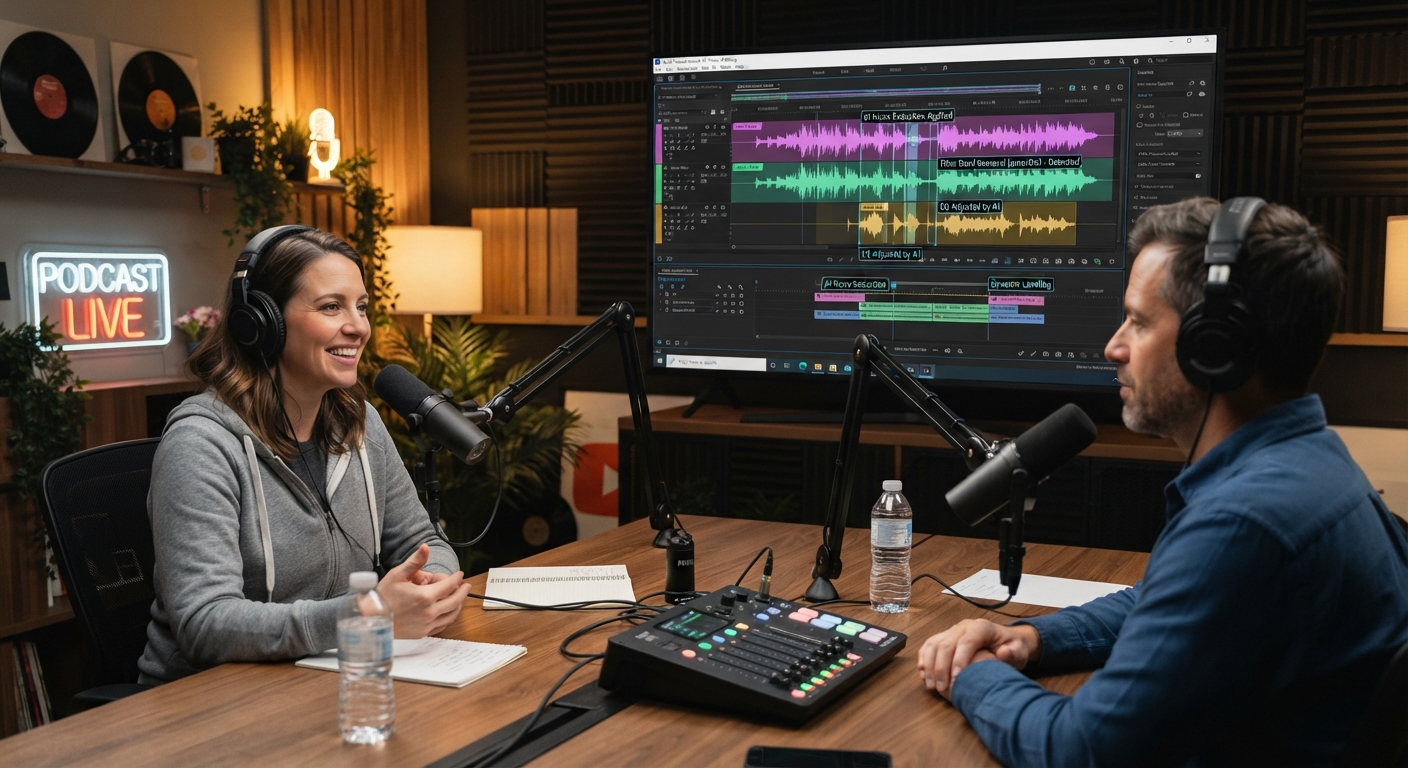
AI Podcast Editing: From Raw Recording To Episode
The short version
- AI podcast editing handles the slow jobs: transcribing, cutting filler, levelling voices, cleaning noise, and drafting show notes.
- Record each speaker on a separate track. It’s the one setup choice that makes every AI tool work better.
- Edit in this order: clean audio, cut content, fix pacing, level loudness, then write notes and chapters.
- Keep a human ear on the final pass. AI cleanup can make voices sound thin, and aggressive cuts make guests sound rushed.
AI podcast editing turns a job that can eat a whole day into a couple of focused hours for a typical interview show. You edit the transcript like a document, one click removes the ums, and audio tools level two voices recorded in very different rooms. What’s left for you is the part that makes a show good: deciding what stays.
Here’s the workflow on a common example: a 55-minute remote interview between a host and a guest, recorded on separate tracks, to be cut down to a 40-minute episode.
Record For The Edit
Most editing pain starts at recording. Fix these before the next episode:
- Separate tracks. Use a remote recording tool that saves each person as their own file. AI can then clean and level each voice on its own, and crosstalk is easy to fix.
- Record locally. Tools that record on each person’s computer avoid the glitches of an internet call.
- Wired headphones for everyone. Echo from speakers is hard for any tool to remove.
- A 10-second silence at the start. Some noise tools use it to learn the room.
An AI Podcast Editing Workflow That Holds Up
Step 1: Clean each track (10 minutes)
Run noise and echo reduction on each track separately. Descript’s Studio Sound and Adobe Podcast’s Enhance Speech are common picks. Listen to 30 seconds of each before and after. If the guest’s voice sounds hollow or robotic, lower the strength. A slight room sound is better than a voice that sounds processed.
Step 2: Read the transcript and cut (25 minutes)
Import both tracks into a text-based editor. Read the transcript at speed. For the 55-minute example, typical cuts are:
- The first 4 minutes of “can you hear me” and small talk.
- A 6-minute tangent about the guest’s commute that goes nowhere.
- Repeated answers where the guest restarted a thought.
- The host’s long questions, trimmed so the guest gets to the point sooner.
Delete in the text, and the audio follows. Keep the tangents that show personality. A podcast with every human moment removed is dull.
Step 3: Filler words and pauses (5 minutes)
Run filler-word detection. Review the list before you remove them all. Some “ums” are natural thinking pauses, and removing every one makes the guest sound rushed. A common approach is to remove the ones in the middle of a sentence and keep some at the start. Then shorten long silences to about a second.
Step 4: Fix crosstalk and the joins (10 minutes)
Listen to each edit point. You’re checking for clipped words and breaths cut in half. With separate tracks, you can mute a “mm-hm” from the host that lands on top of the guest’s best line.
Step 5: Level and master (5 minutes)
Tools like Auphonic, or the loudness settings in your editor, even out the two voices and set the overall loudness. Around -16 LUFS is a common target for stereo podcasts. Export once and listen on earbuds in a noisy place. If you keep reaching for the volume, the levels need work.
Step 6: One full listen (40 minutes)
Play the whole episode at normal speed, away from the editor. Keep a notepad and write down the timestamp of anything that sounds off: a sharp cut, a sudden volume jump, a sentence that no longer makes sense because its setup got deleted. Fix those, then export.
Show Notes, Chapters, And Titles
This is where a chatbot does the heavy lifting. Export the final transcript and paste it in with a clear request:
“Here’s the transcript of a 40-minute interview podcast. Write: 1) five title options under 60 characters, 2) a 150-word episode description in plain language, 3) chapter markers with timestamps at each topic change, 4) the 3 strongest quotes from the guest, word for word. Don’t invent anything that isn’t in the transcript.”
Then check. Chapter timestamps are often a little off, and quotes sometimes get tidied up. Match every quote against the audio before it goes in a social post. Our guide to spotting AI mistakes covers quick ways to check.
Clips and a newsletter from the same episode
Ask the chatbot for three moments under 60 seconds that stand alone, with start and end lines. Cut them as audiograms or short videos. Turn the description into a newsletter blurb. The full method is in our guide to repurposing content with AI.
What AI Won’t Do For Your Show
- It won’t tell you the episode is boring. Only listening does that.
- It can’t judge a guest’s off-the-record remark. Cut those yourself, and when in doubt, ask the guest.
- Voice regeneration can fix a misspoken word, but only use it on your own voice or with the guest’s clear permission.
- Transcripts get names and jargon wrong. Add a word list to your editor and check the published transcript.
If you publish a transcript, give it one full read. It’s the text search engines and listeners with hearing loss rely on.
A Weekly Rhythm For Solo Hosts
For a one-person operation, batch the work. Record on Monday, edit on Tuesday using the steps above, and draft notes and clips on Wednesday. That split keeps your ears fresh for the final listen. If you want the whole setup of tools that fit a one-person business, see our AI stack for a solo business.
Spend Your Editing Time On What Makes The Show Good
AI For Video And Podcasts covers recording setups that make editing easy, text-based editing, natural-sounding audio cleanup, levelling, and prompts for show notes, chapters, and clips. It includes a full worked episode and a cheat sheet you can keep by your mic.





