
Claude Vs ChatGPT: Which One Should You Use For Work?
The short version
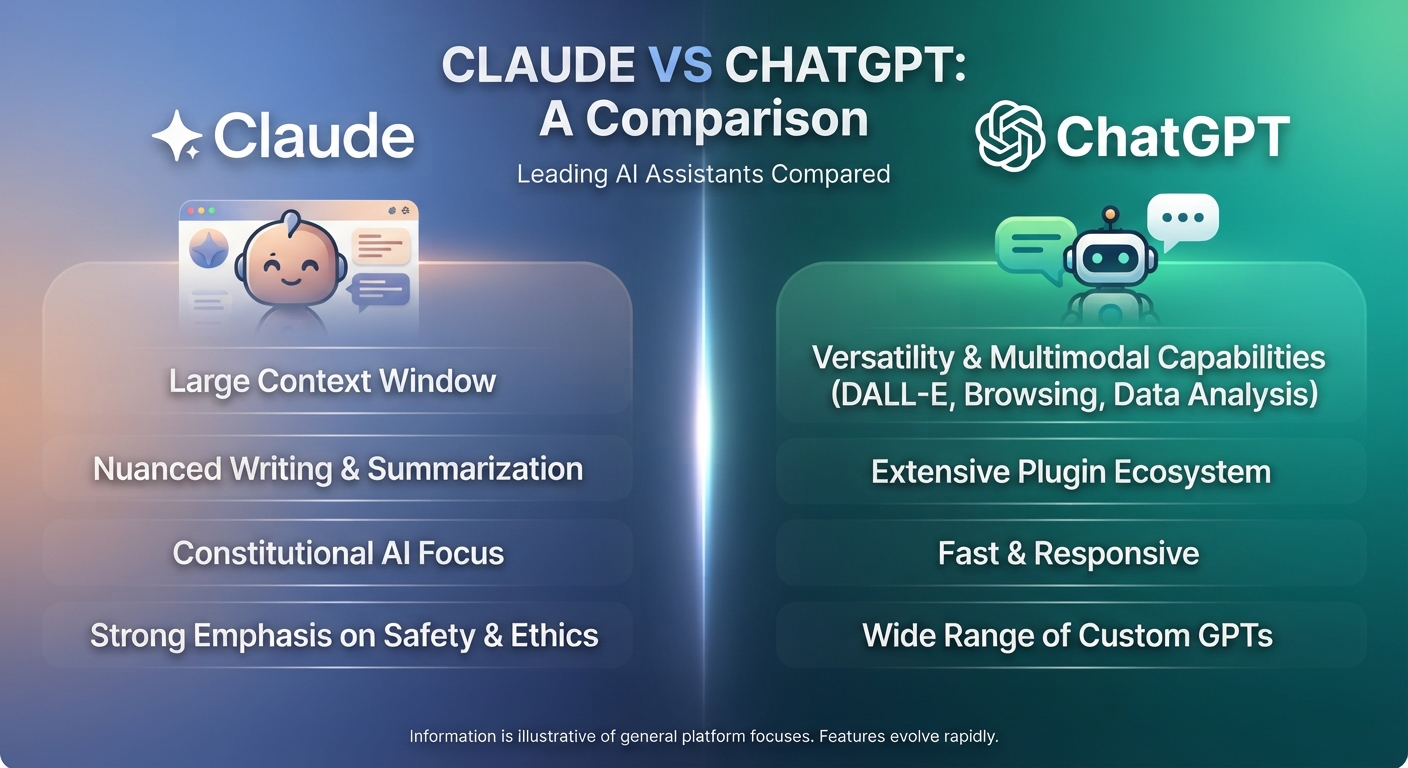
- For writing in your own voice and working through long documents, Claude is the better pick.
- For one tool that does a bit of everything, including images and voice conversations, ChatGPT is the better pick.
- Both handle everyday jobs like emails, summaries and brainstorming well. For those, the difference is small.
- Run the same three real tasks through both on the free tiers before you pay for either.
The Claude vs ChatGPT question has a short answer: Claude is stronger for careful writing and long documents, and ChatGPT is the better all-rounder with more built-in features. Both are good. Both have free tiers and paid plans. Which one is right for you depends on what fills your workday, so here’s how they compare on the jobs non-technical people actually do.
Where They’re Close Enough Not To Matter
For quick daily tasks, you’ll get useful results from either one. That covers:
- Drafting routine emails and replies.
- Summarizing an article or a short report.
- Brainstorming ideas, names or headlines.
- Explaining a concept in plain English.
- Turning notes into a checklist.
If this is most of what you do, pick the one whose screen you like better and stop comparing. The quality of your prompt will matter far more than the tool.
Where Claude Wins
Writing that sounds like a person
Claude’s default writing tends to be less stiff and less padded. It’s also good at matching a sample. Paste three of your past newsletters and ask it to write the next one in the same voice, and the result usually needs lighter editing. For anyone who writes client emails, proposals or web copy all day, that saves real time.
Long documents
Claude handles long material well. You can give it a 60-page lease, a policy manual or a stack of meeting transcripts and ask detailed questions across all of it. It’s also careful about following long, detailed instructions, which matters when you have rules like “never mention pricing” or “use British spelling.”
Organized ongoing work
Claude’s Projects let you keep instructions and reference files together for one client or one type of task, so every chat in that project starts with the right background. Our guide on how to use Claude AI covers setup.
Where ChatGPT Wins
More tools in one place
ChatGPT can create images from a description, hold a spoken conversation in voice mode, analyze a spreadsheet you upload, and search the web, all in the same app. Claude is focused on text and doesn’t generate pictures. If you want one subscription that covers a social post, its graphic and a quick data question, ChatGPT is simpler.
Custom GPTs and a big ecosystem
ChatGPT’s custom GPTs are easy to build and easy to share, and there’s a large library of ones other people have made. It’s also the tool most apps and tutorials are built around, so help is easier to find when you get stuck.
Memory across chats
ChatGPT can remember details you share across conversations, like your business type or your preferred format, so you repeat yourself less. You can view and delete what it remembers in settings.
Claude Vs ChatGPT: A 30-Minute Test
Reading comparisons only gets you so far. The better way to decide is to run your own work through both. Open each tool on the free tier in side-by-side windows and use identical prompts for three tasks:
- A writing task you do every week. Paste a past example and ask for a new one in the same style.
- A document task. Upload a real document of 10 pages or more and ask five specific questions about it. Check the answers against the document.
- A thinking task. Describe a real decision, like whether to raise prices by 8 percent or add a new service, and ask each tool to lay out the trade-offs and the questions you should answer first.
Here’s a prompt for the third task you can use as is:
“I run a 4-person bookkeeping practice. I’m deciding between raising my monthly fee by 8 percent or adding a payroll service. Lay out the pros and cons of each, the questions I should answer before deciding, and what data I should look at. Don’t make the decision for me.”
Score each answer from 1 to 5 on accuracy, how much editing it needs and whether it sounds like you. The tool that wins two of three tasks is your main tool. Check both tools’ facts either way. Our guide to spotting AI mistakes shows what to look for.
Privacy And Team Use
Before you paste client files into either tool, check the data settings. Both offer business plans that keep your content out of model training, and both let individual users adjust some data controls. Free consumer accounts are fine for practice and personal tasks. For client contracts, patient notes or employee records, use a business plan your company has approved, or leave the data out.
For teams, the Claude vs ChatGPT choice often comes down to what people already use. Moving ten staff to a new tool costs training time. If most of your team is comfortable in one, that’s a strong reason to stay, unless the test above shows a clear gap on the work that matters most.
Our Recommendation
If you write for a living, work with long documents, or care most about output that needs little editing, make Claude your main tool. That’s where the Claude vs ChatGPT gap is widest. If you want images, voice and a bit of everything in one place, or your team already uses ChatGPT, stick with ChatGPT.
Plenty of people pay for one and keep the free tier of the other for a second opinion. That’s a sensible setup. When the two disagree on a fact, it’s a sign to check the source yourself. If you’re also weighing research tools, our guide to which AI is best for what covers the wider field.
Get More Out Of Claude From Day One
If Claude comes out on top in your test, AI For Getting The Most From Claude shows you how to use it well: setting up Projects, working through long documents, careful reasoning, and getting drafts that sound like you. It includes a worked example, a prompt pack and a cheat sheet. Leaning the other way? The ChatGPT guide does the same for ChatGPT.





