
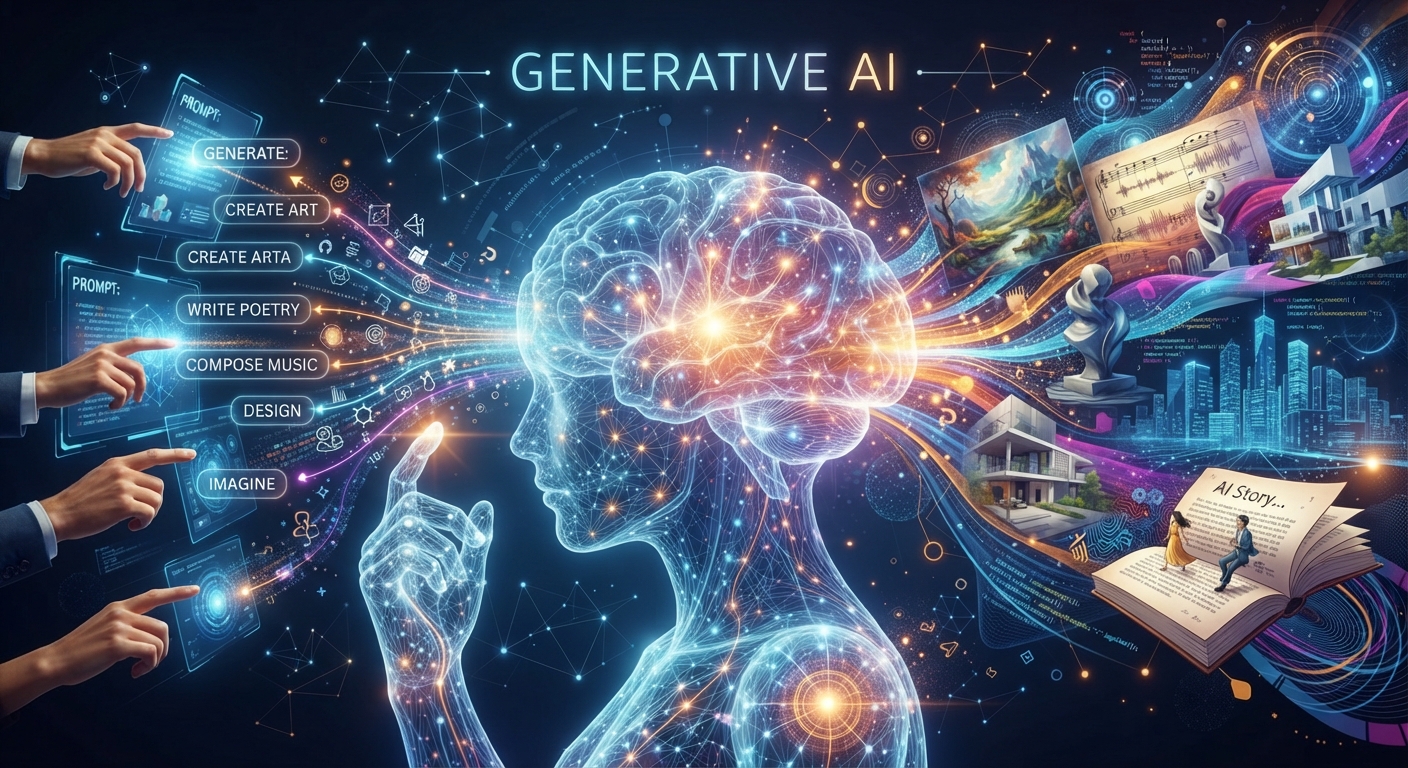
Introduction To Generative AI: What It Makes And Where It Fails
The short version
- Generative AI creates new content from a plain-language request. It can make text, images, audio, video and code.
- Text is the most useful type for most jobs: emails, summaries, reports, plans and first drafts.
- Images, audio and video tools are good enough for social posts, mockups, voiceovers and simple clips, and weaker for anything that must be exact.
- Every type shares the same limits. It can be wrong, it can sound generic, and it doesn’t know your business unless you tell it.
This introduction to generative AI starts with one idea: these tools make new content when you describe what you want in plain words. Type “write a polite reminder to a client whose invoice is 14 days late” and you get an email. Type “a flat illustration of a coffee cup on a blue background” and you get a picture. That’s the whole interface. The skill is knowing what each kind of tool is good at, and where it will let you down.
Older software followed fixed rules. Generative AI learned patterns from huge amounts of existing text, images and sound, and uses those patterns to produce something new each time. That’s why the same request can give you a different answer twice. If you want the deeper mechanics, our beginner’s guide to AI covers them without math. Here, we’ll stick to what it makes and how you’d use it at work.
Text: The Workhorse
Chat assistants such as ChatGPT, Claude and Gemini produce text. For most office jobs, this is where generative AI earns its keep. Typical uses:
- First drafts of emails, letters, job ads and web pages.
- Summaries of long reports, contracts or meeting notes.
- Rewriting something for a different reader, like turning a technical note into a customer update.
- Brainstorming names, headlines, questions or plans.
- Turning messy notes into a checklist or a step-by-step procedure.
A quick test you can run today:
“Here are my notes from this morning’s staff meeting: [paste notes]. Turn them into a short email to the team with decisions made, who owns each task, and deadlines. Keep it under 200 words.”
Images: Fast Visuals, Loose Accuracy
Image generators turn a description into a picture. They’re useful for social media graphics, blog headers, mood boards, product mockups and slide backgrounds. A small shop owner can get six concepts for a sale banner in the time it takes to make coffee.
They struggle with precision. Text inside images often comes out garbled or misspelled. Hands, logos and exact product details can be off. Use generated images for ideas and casual content. For your real logo or a product photo buyers will rely on, use a designer or a real photo. Our guide to AI graphic design for beginners shows how to get the most out of image tools.
Audio: Voices, Music And Clean Sound
Generative audio tools can read a script aloud in a natural voice, make background music, and clean up a noisy recording. At work, that means voiceovers for training videos, audio versions of articles, and podcast episodes without a studio.
Two cautions. Some tools can clone a voice from a short sample, so only use your own voice or one you have clear permission to use. And listen to every line before publishing, because AI voices can mispronounce names and place names.
Video: Early But Useful
Video generation is the newest area. Tools can create short clips from a text description, animate a still image, or produce a talking presenter who reads your script. Editing tools let you trim a recording by deleting words from its transcript.
For a business, the practical uses today are short social clips, explainer videos with an AI presenter, and faster editing of video you shot yourself. Longer generated scenes often have odd motion or details that change from frame to frame. Treat pure AI video as a draft or a novelty, and AI-assisted editing as the real time saver.
Code: Useful Even If You Don’t Code
Chat assistants can also write code. You don’t have to be a programmer for this to matter. Non-technical people use it to get spreadsheet formulas, small scripts that rename a folder of files, or a simple web form. Ask in plain English, then test the result on a copy of your data first. If it breaks, paste the error back in and ask for a fix.
“I have a spreadsheet with order dates in column A and order totals in column C. Write a formula that adds up the totals for March only. Explain where to paste it and what each part does.”
That one request replaces a search through forum threads, and the explanation means you’ll understand the formula next time instead of copying it blind.
Limits Every Introduction To Generative AI Should Cover
These limits apply to every type above:
- It can be confidently wrong. Text tools invent facts, figures and quotes that sound real. Check anything that matters. Our guide to spotting AI mistakes shows how.
- It sounds generic unless you give it detail. The more context about your audience and goal, the better the output.
- It doesn’t know your business. It has never seen your prices, your customers or your internal rules unless you paste them in.
- Privacy matters. Don’t paste confidential client data into a free consumer tool. Check whether your plan uses your data for training.
- Ownership and rights questions around generated content are still unsettled in many places. Be careful with anything you plan to trademark or sell.
None of these is a reason to wait. They’re reasons to use generative AI for drafts and ideas while a person stays responsible for the final version.
Your first week
Pick one text task you do every week, like a status update or a client recap. Do it with AI for five days and edit each draft. By Friday you’ll know more than any overview can teach you, and you’ll have a feel for when to trust it.
Learn The Foundations Properly
The Core Four Bundle is the natural next step after this introduction to generative AI. Its four foundation books cover getting started, putting AI to work on everyday tasks, using it for research and better decisions, and writing prompts that get good results, each with worked examples and prompt packs.





