
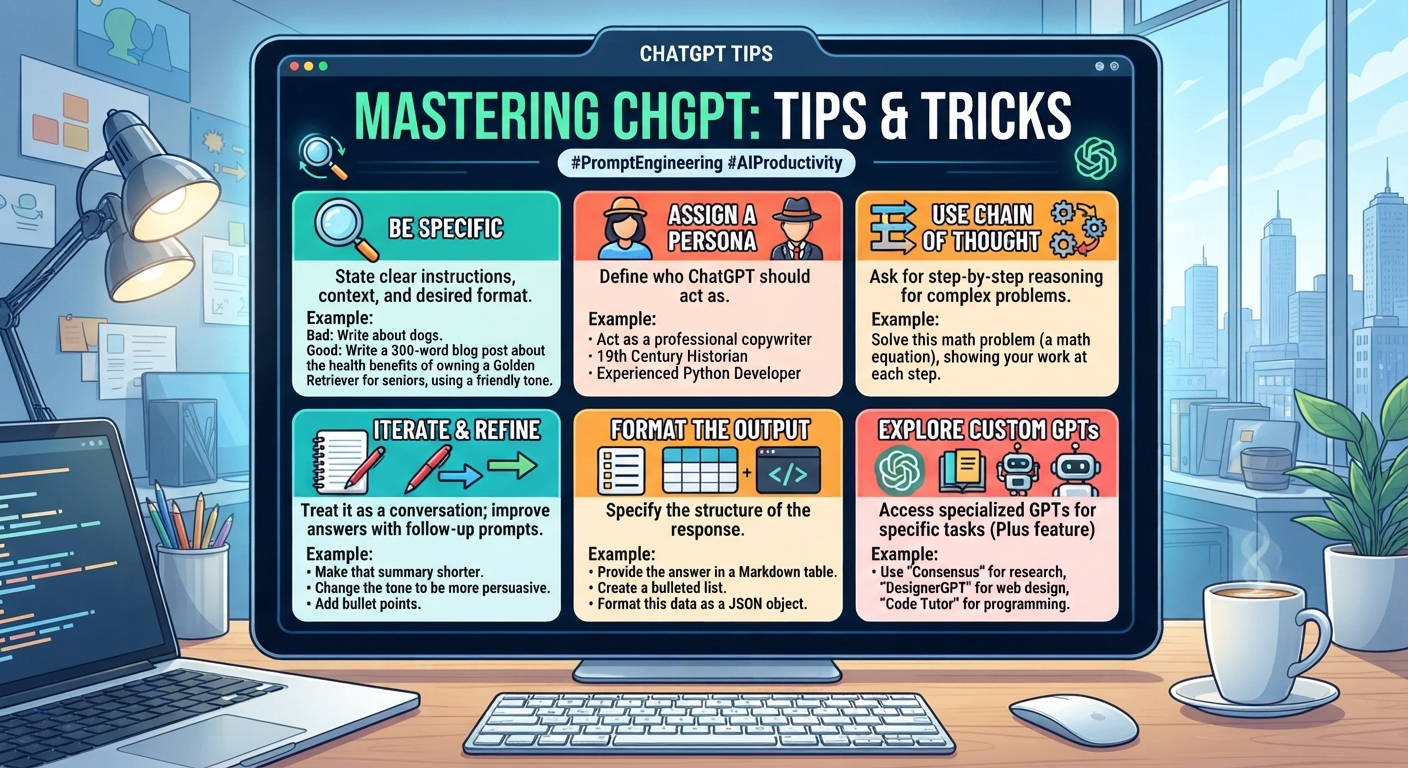
ChatGPT Tips And Tricks: 12 Habits Of Power Users
The short version
- The biggest upgrade is telling ChatGPT about yourself once in its personalization settings, so every chat starts with context.
- Ask it to interview you before it writes. Two minutes of questions saves ten minutes of rewrites.
- Edit your earlier message instead of arguing in follow-ups. The thread stays clean and the answer improves.
- Give it a sample of what good looks like. One example beats a paragraph of description.
- Make it check its own work, then check the facts yourself anyway.
The ChatGPT tips and tricks that matter most are small habits you repeat every day. Casual users type a question and take what comes back. Power users set the tool up, feed it better material, and push back on weak answers. The twelve habits below move you from the first group to the second, and none needs more than a minute to try.
If you’re brand new, start with ChatGPT for beginners and come back. Everything here works on the free tier unless noted.
Set It Up Once
1. Fill in the personalization settings
ChatGPT lets you save instructions that apply to every new chat. Open settings and look for the personalization or custom instructions section. Tell it who you are and how you like answers. For example: “I run a 6-person bookkeeping firm. I write to small business owners. Keep answers short, use plain words, and skip the intro and summary.” You’ll notice the difference on the very next question.
2. Keep one topic per chat
A single thread about your newsletter, your tax questions and a birthday poem confuses the context. Start a new chat for each job. Rename important chats so you can find them later. A chat called “March newsletter” is easy to reopen next month. Twenty chats all called “New chat” are not. Delete the throwaway ones every week or two so the sidebar stays useful.
3. Use folders for ongoing work
If your plan offers projects, group related chats and files together, such as everything for one client. Instructions and files you add there apply to every chat inside it. Upload the files you keep pasting in, like your price list, your service descriptions or a style sheet. From then on, a quick “draft a quote for a 3-bedroom deep clean” pulls from the right numbers without you hunting for them.
ChatGPT Tips And Tricks For Better Prompts
4. Let it interview you first
“I need a job ad for a part-time receptionist at a veterinary clinic. Before you write anything, ask me up to six questions that will help you get it right. Ask them all at once.”
This is the single best habit for anything longer than a paragraph. You answer in a few lines and the first draft lands close to done.
5. Show, don’t describe
Paste one example of a past email, post or report you liked and say “match this tone and length.” It works better than listing adjectives like “friendly but professional”.
6. Name the format and length
Say “a table with columns for task, owner and date” or “under 120 words” or “five bullets, no sub-bullets.” Vague requests get long, padded answers. Add who will read it, too. “For a customer who has never heard of us” produces a different email than “for a customer who has bought from us four times”, and both beat no reader at all.
7. Ask for options, not an answer
For headlines, names, subject lines and openings, ask for eight versions ranked by how well they fit your goal. Picking is faster than fixing. More prompt patterns are in our guide to writing AI prompts.
Fix Answers Without Starting Over
8. Edit your message instead of replying
If an answer misses, hover over your original message and edit it with the missing detail. ChatGPT regenerates from that point. This beats piling up “no, shorter” and “no, more formal” messages that drag old mistakes along.
9. Point at the exact part to fix
Copy the weak paragraph and say “rewrite only this part, keep everything else the same.” Otherwise it may rewrite the whole thing and break what already worked.
10. Talk instead of type
Use voice input when you have a lot to explain, like the background on a tricky client situation. Ramble for two minutes, then ask ChatGPT to turn it into whatever you need, such as an email, a plan or a list of questions. You’ll give more detail out loud than you would typing, and more detail means better output.
Check The Output
11. Make it critique itself
“Review your answer above as a skeptical editor. List the three weakest points, any claims that might be wrong, and anything a reader would find confusing. Then give me a revised version.”
The second draft is almost always tighter. It also flags claims you need to check. For higher stakes work, run the critique in a fresh chat by pasting the draft in cold. A new chat has no attachment to its earlier choices, so it tends to be blunter.
12. Verify anything that matters
ChatGPT can state wrong facts, dates and figures with full confidence. For numbers, quotes, laws and anything you’ll publish, check against a source you trust. Ask it to show where a claim came from when it has searched the web, then open the link yourself.
Putting These ChatGPT Tips And Tricks To Work
Don’t try all twelve at once. Pick three for this week. A good starting set is personalization settings, the interview trick and editing your message instead of replying. Use them on a real task, like the 14 client follow-up emails sitting in your drafts, and see how much less rewriting you do.
Next week, add the critique prompt and format rules. Within a month these become automatic. If you want a structured path, our 30-day ChatGPT plan builds one skill per day.
Go From Casual User To Power User
AI For Getting The Most From ChatGPT covers setup, prompting, file uploads, projects, voice and checking output in far more depth than one post can. It includes a worked example, a prompt pack for common work tasks and a one-page cheat sheet to keep by your screen.





